← All Guides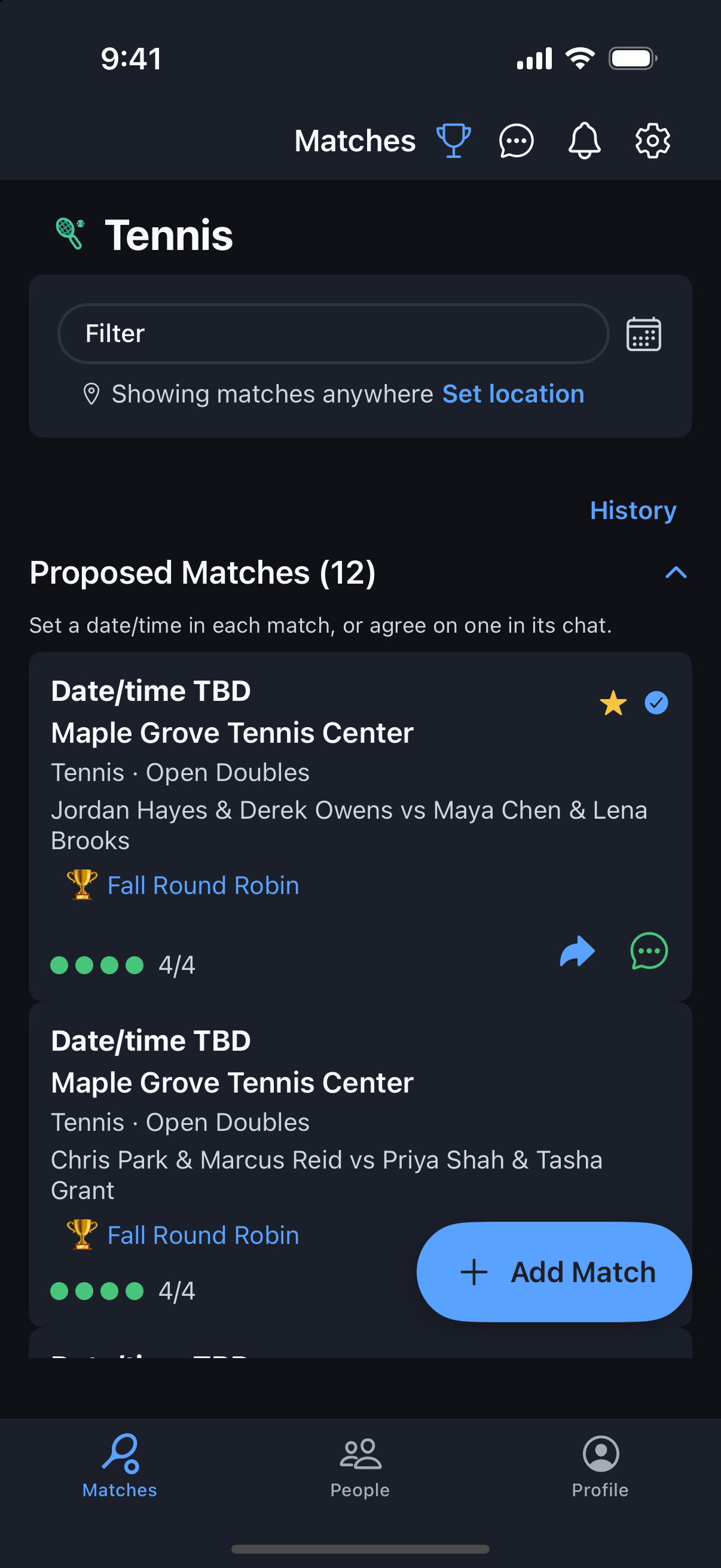
Tournaments
Schedule a Tournament Match
Tournament matches start without a date — you and your opponents pick one that works.
Why it's useful
When a tournament starts, every match is created unscheduled and listed under Proposed Matches. Agree on a time in the match chat, then set the date/time so everyone gets notified and the match moves into your regular list.
Steps
- 1Open the Matches tab and find your tournament matches under Proposed Matches (each one shows a 🏆 tournament tag).
- 2Open a match and use Chat to agree on a day, time, and court with the other players.
- 3Tap the pencil on the match card, set the date and time in Set Date/Time, and save.
- 4Everyone in the match is notified, and it moves from Proposed Matches into your regular match list.
- 5Need to change it? Edit the date/time the same way — reschedules notify everyone too.