← All Guides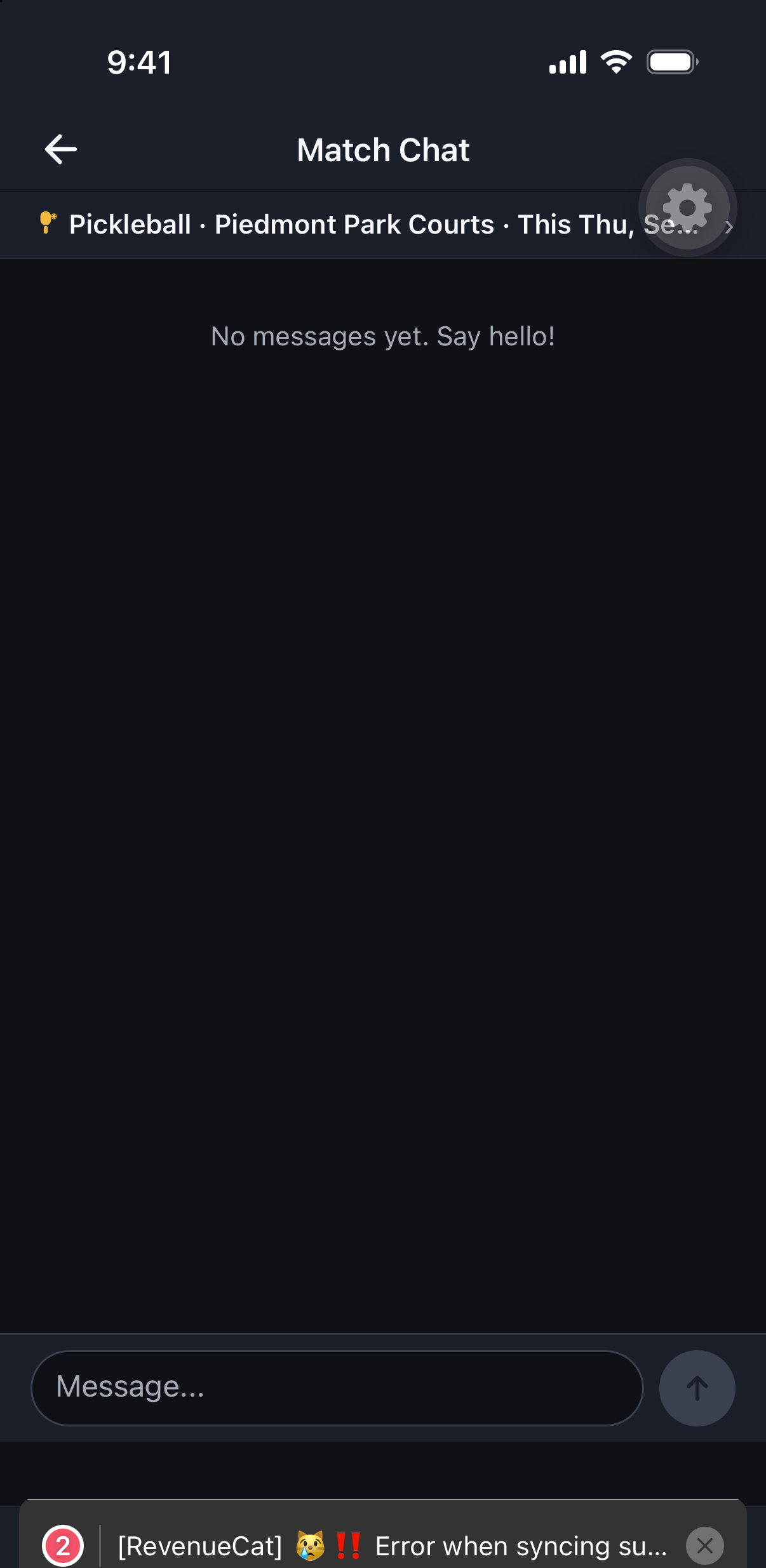
Matches
Match Chat & Notifications
Every match gets its own chat thread, separate from your notification feed.
Why it's useful
Keeping match-specific conversation apart from the running notification feed (invites, join requests, reminders) means you can catch up on one without scrolling through the other.
Steps
- 1Open a match and tap Chat to message everyone in that match.
- 2Tap the bell icon anywhere in the app to open your notification feed — invites, join requests, and reminders live here.
- 3Notification feed content is separate from your push/email/SMS delivery preferences, which you manage in Preferences.