← All Guides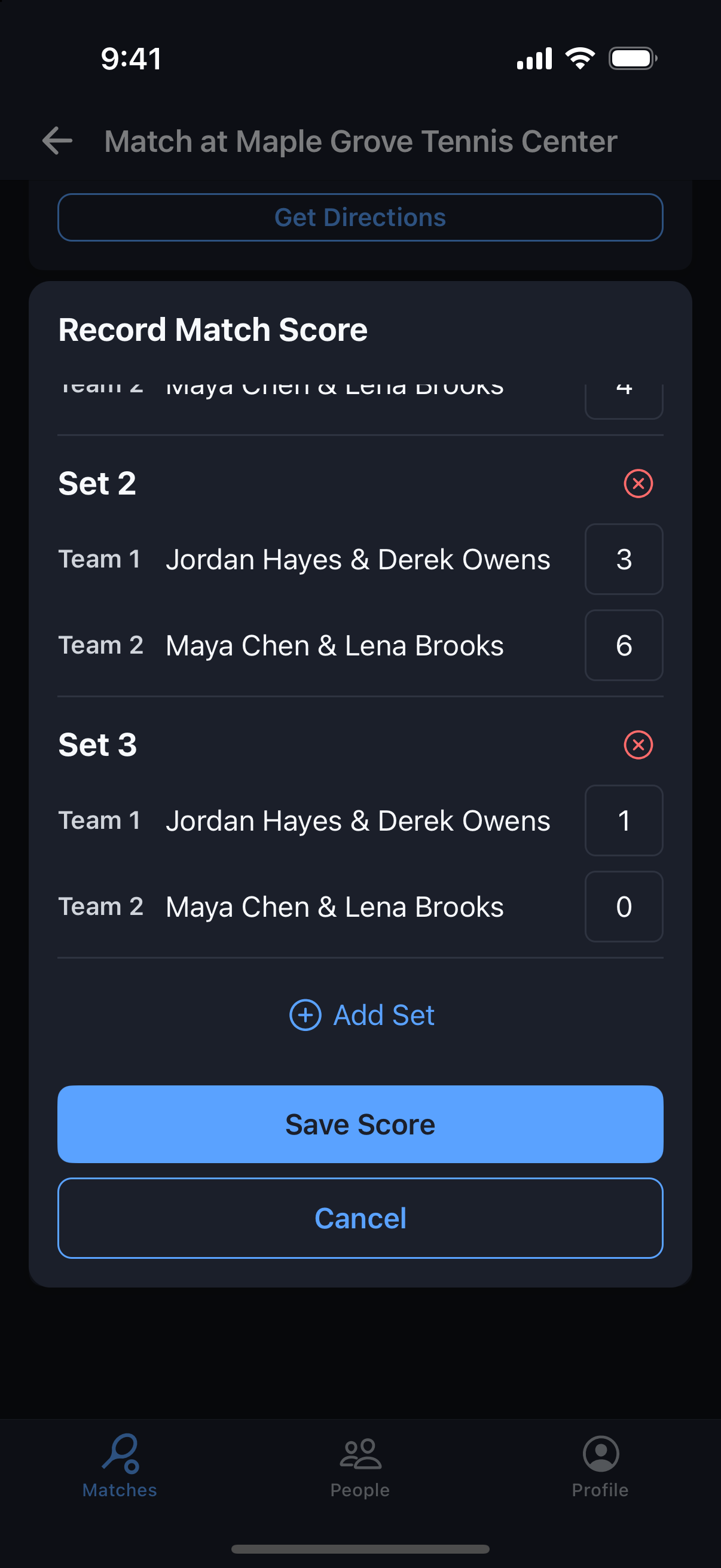
Tournaments
Record a Tournament Score
Enter the score once, and the standings update for everyone.
Why it's useful
Tournament scores can be entered any time after you play — there’s no scoring window. Teams are pre-filled from the bracket, so the result always credits the right players.
Steps
- 1Open the match from your Matches tab, or tap View Match on Your Next Match in the tournament.
- 2Tap Record Score.
- 3Enter each set’s games for Team 1 and Team 2. Tap Add Set for each additional set.
- 4Tennis match tiebreak in place of a third set? Enter it as 1–0 for the team that won it — a points score like 10–8 is saved as 1–0 automatically.
- 5Tap Save Score. The standings and the round update right away.
- 6Made a mistake? Only the organizer can edit a recorded score, so message them with the correction.