← All Guides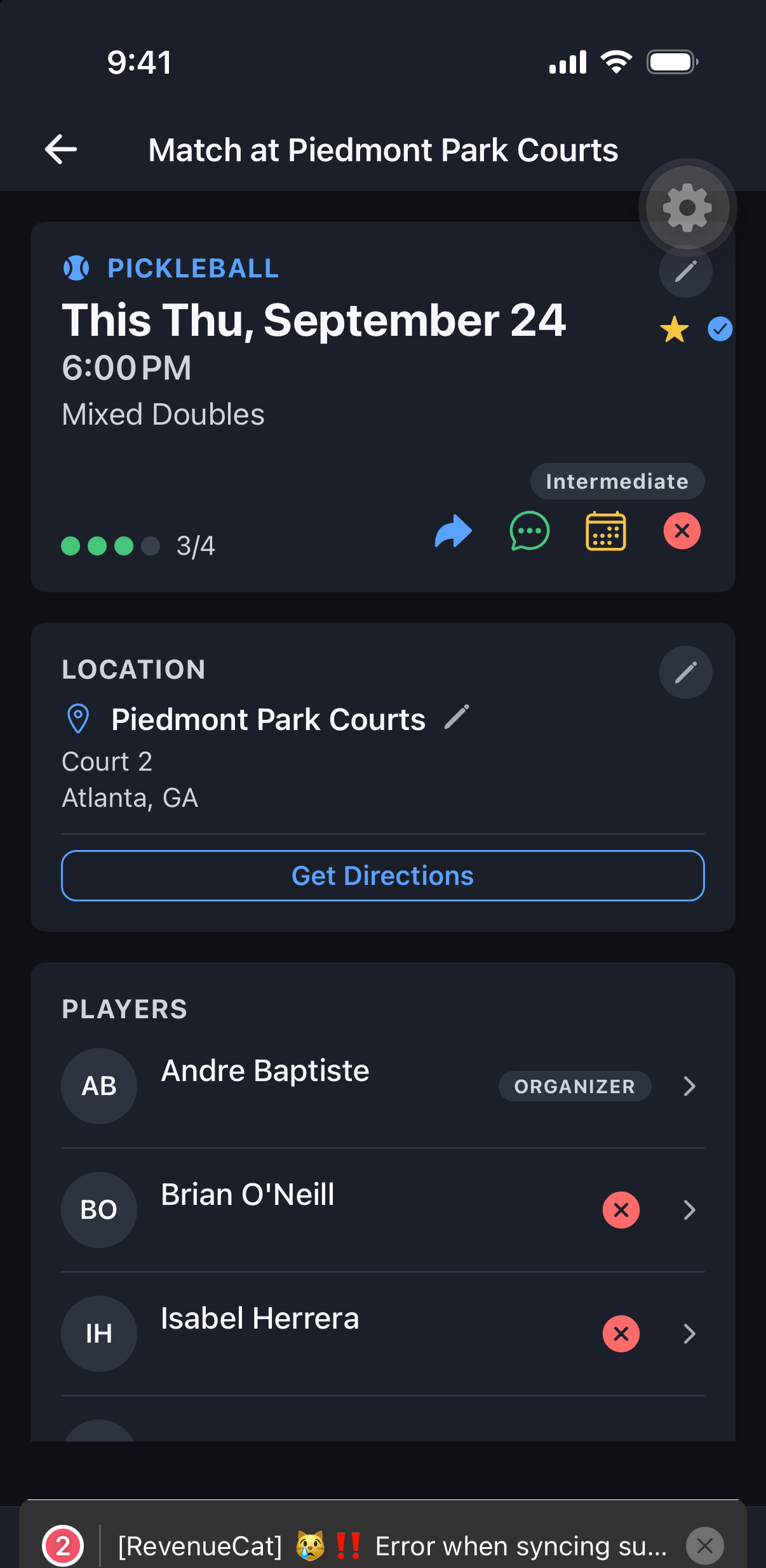
Matches
Add a Match to Your Calendar
One tap, and your match lands on the calendar you already check.
Why it's useful
No separate reminder to set — add a match straight to your phone’s calendar (or download an .ics on web) the moment you join.
Steps
- 1Open the match you want to add.
- 2Tap Add to Calendar.
- 3On mobile, confirm the add to your device calendar; on web, download the .ics file and open it.