← All Guides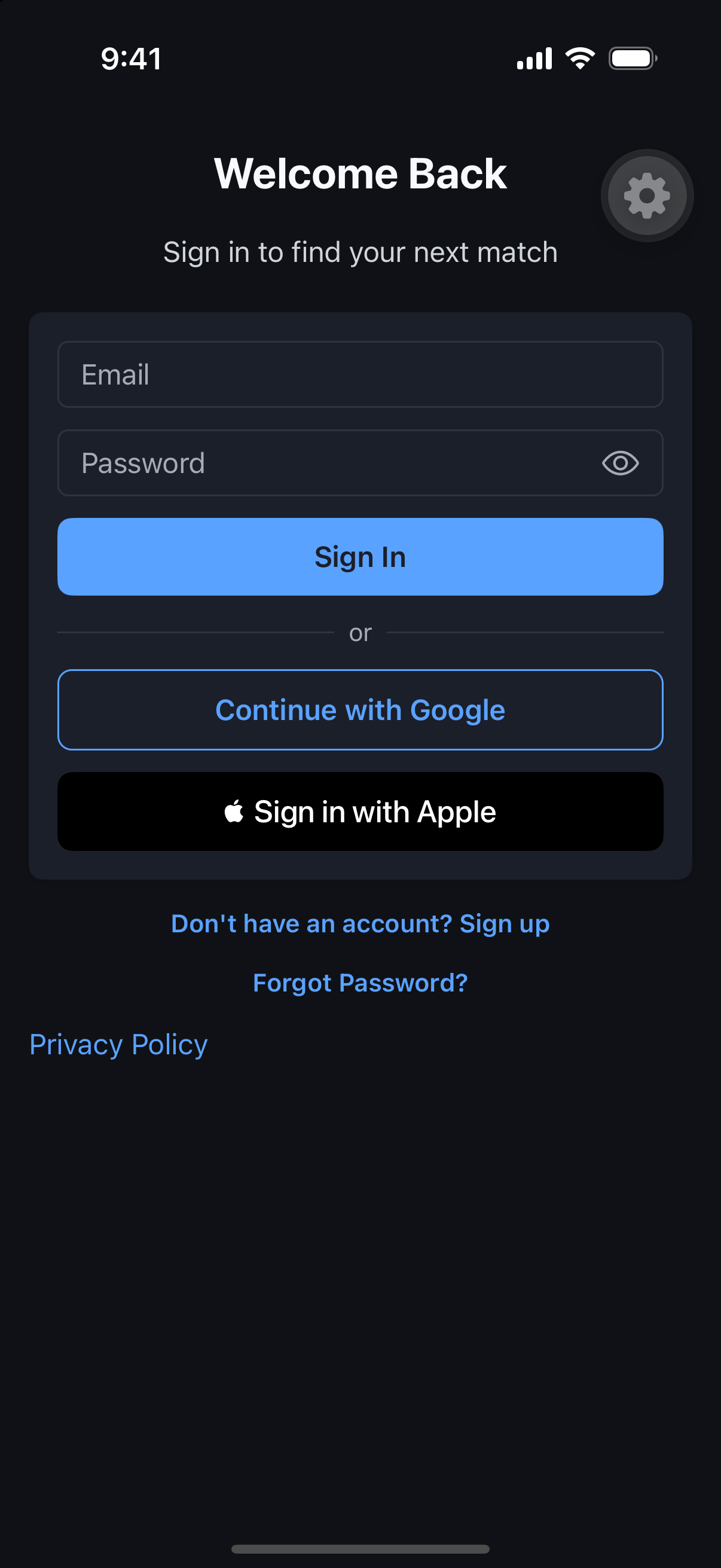
Getting Started
Sign Up & Sign In
Get into MatchScheduler in under a minute, with whichever account you already use.
Why it's useful
The faster you’re in, the faster you find a match. MatchScheduler supports email, Google, and Apple sign-in so you never have to create yet another password.
Steps
- 1Open MatchScheduler and tap Sign Up.
- 2Choose email, Google, or Apple.
- 3For email, enter your address and create a password; for Google or Apple, confirm the account picker.
- 4Verify your email if prompted.
- 5You’re in — you’ll land on a short profile setup next.