← All Guides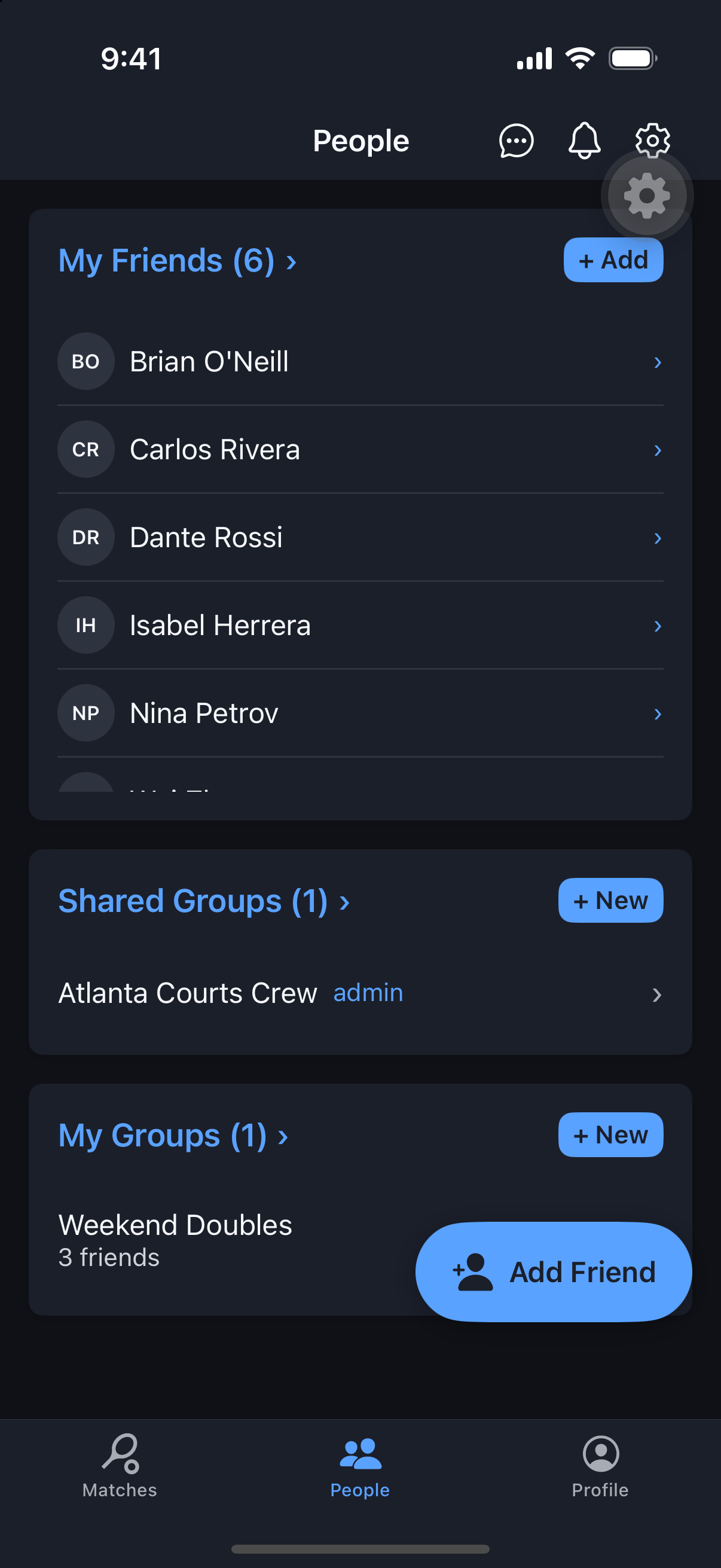
Friends & Groups
Private Groups vs. Shared Groups
They sound alike, but they solve two different problems — here’s the difference in plain terms.
Why it's useful
Private Groups are your own personal invite shortcut. Shared Groups are a managed team space other people actually join and administer. Knowing which one you want up front avoids rebuilding your list later.
Steps
- 1Private Groups: owner-only lists (a name plus members) with no invitations needed — use them purely to speed up who you invite when creating a match.
- 2Shared Groups: multi-user and admin-managed — invited members must accept or decline to join.
- 3Shared Groups have roles: admins can promote, demote, or remove members; regular members cannot.
- 4Pick Private Groups for a quick personal shortlist; pick Shared Groups when you want a real, jointly-managed team or club roster.