← All Guides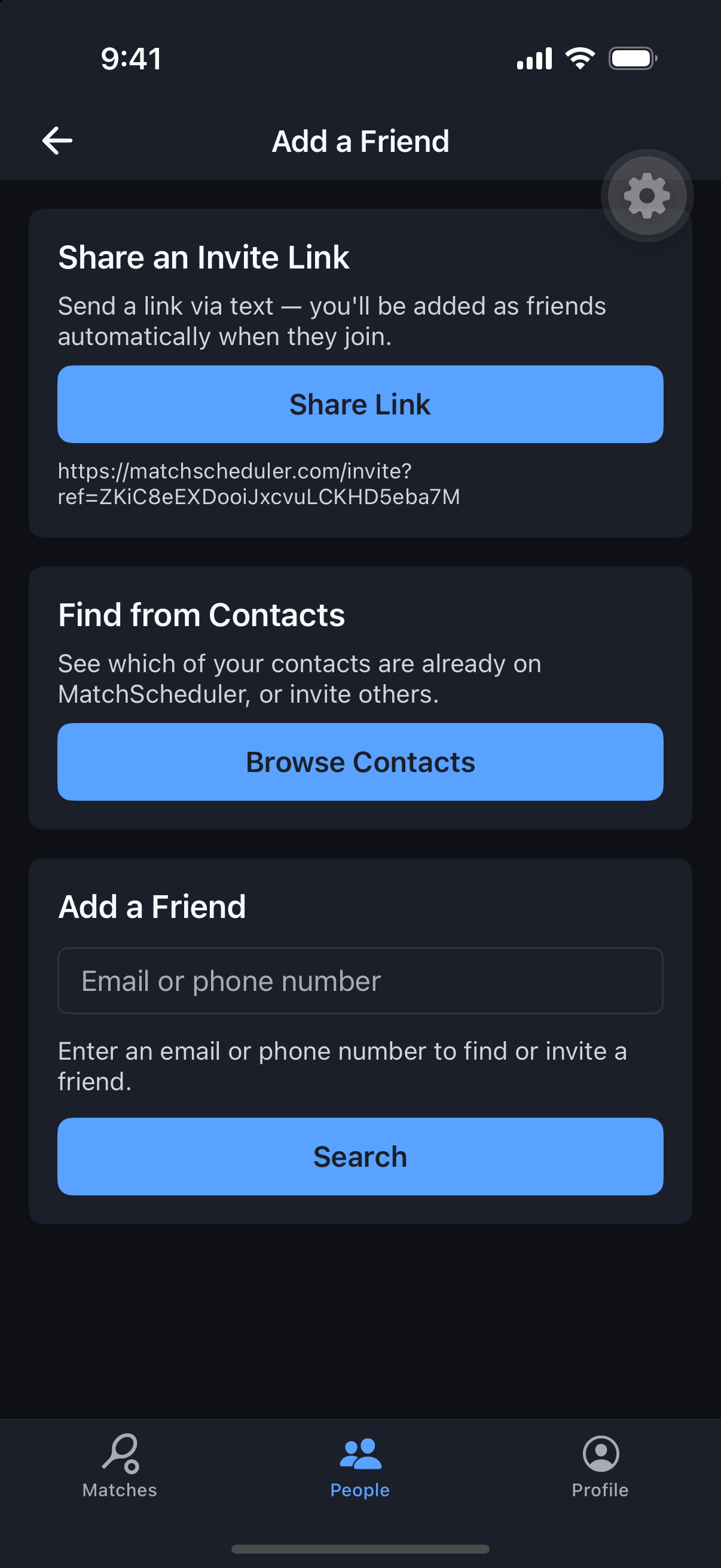
Friends & Groups
Add a Friend
Find your regulars once, then invite them to matches in a tap from then on.
Why it's useful
Friends are the fastest way to fill a match — search by email or phone, or pull straight from your contacts.
Steps
- 1Open the People tab and tap Add Friend.
- 2Search by email or phone number, or tap Import from Contacts.
- 3Send a friend request.
- 4They’ll get a notification to accept or decline.