← All Guides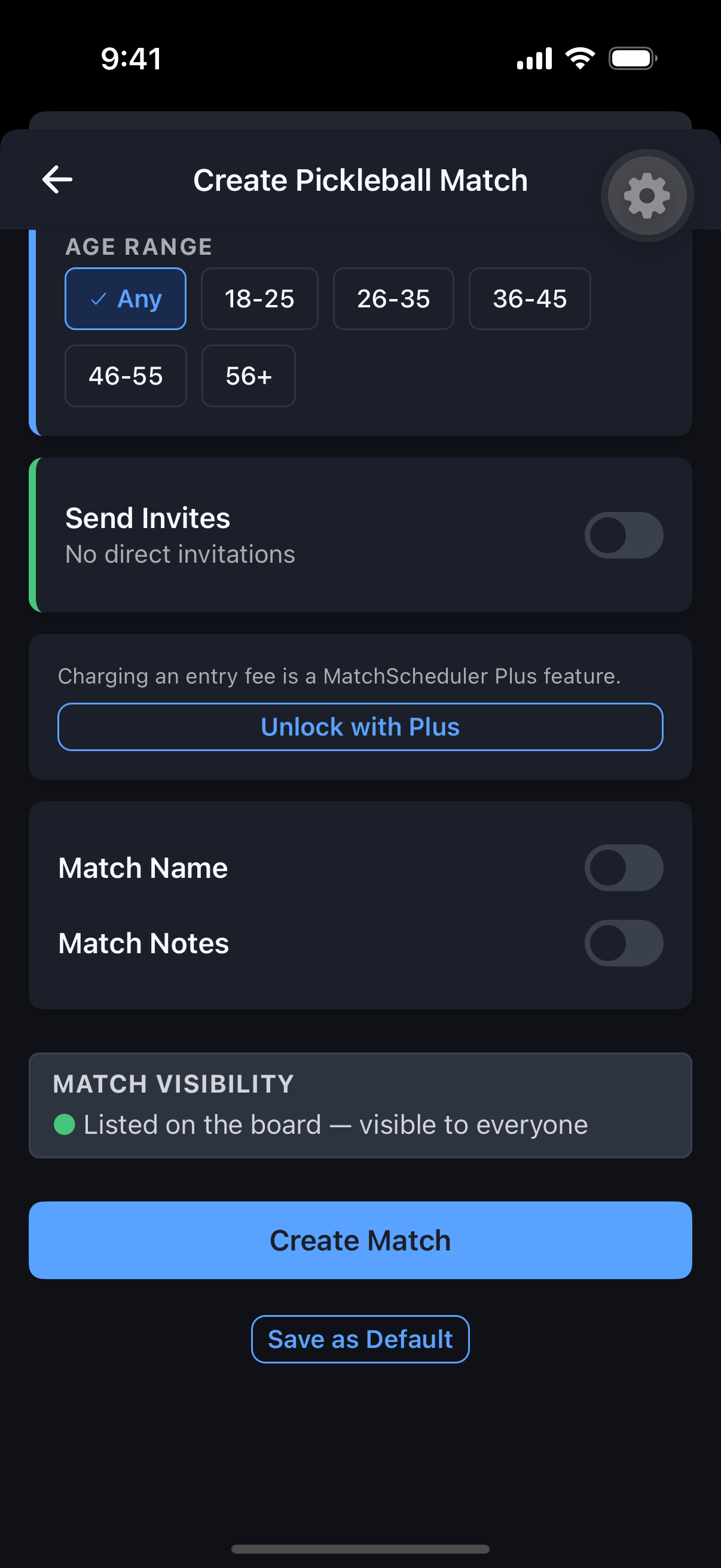
Matches
Create a Match
Set the sport, the format, and exactly who can join — in one flow.
Why it's useful
Creating a match is the core of MatchScheduler, and it’s built around one key idea: posting publicly and inviting people directly are two independent choices, not one setting. You can do either, both, or neither.
Steps
- 1Choose an Activity Type: Match or Event.
- 2Pick the Sport, Match Type (Singles/Doubles), and Category — Open is always available; Men’s/Women’s only shows if it matches your own gender; Mixed only applies to Doubles.
- 3Set Skill Level, Duration, and Date/Time (Recurring matches require Plus).
- 4Pick a Park or court via autocomplete, or add a new one. Decide if you’re Organizer Playing.
- 5Toggle Post to Board (public discovery, with optional verification or age requirements) and/or Send Invites (direct to friends or Groups, with an optional note or held spot) — independently.
- 6Set an entry fee if you have Plus (minimum $2).
- 7Review and create the match.