← All Guides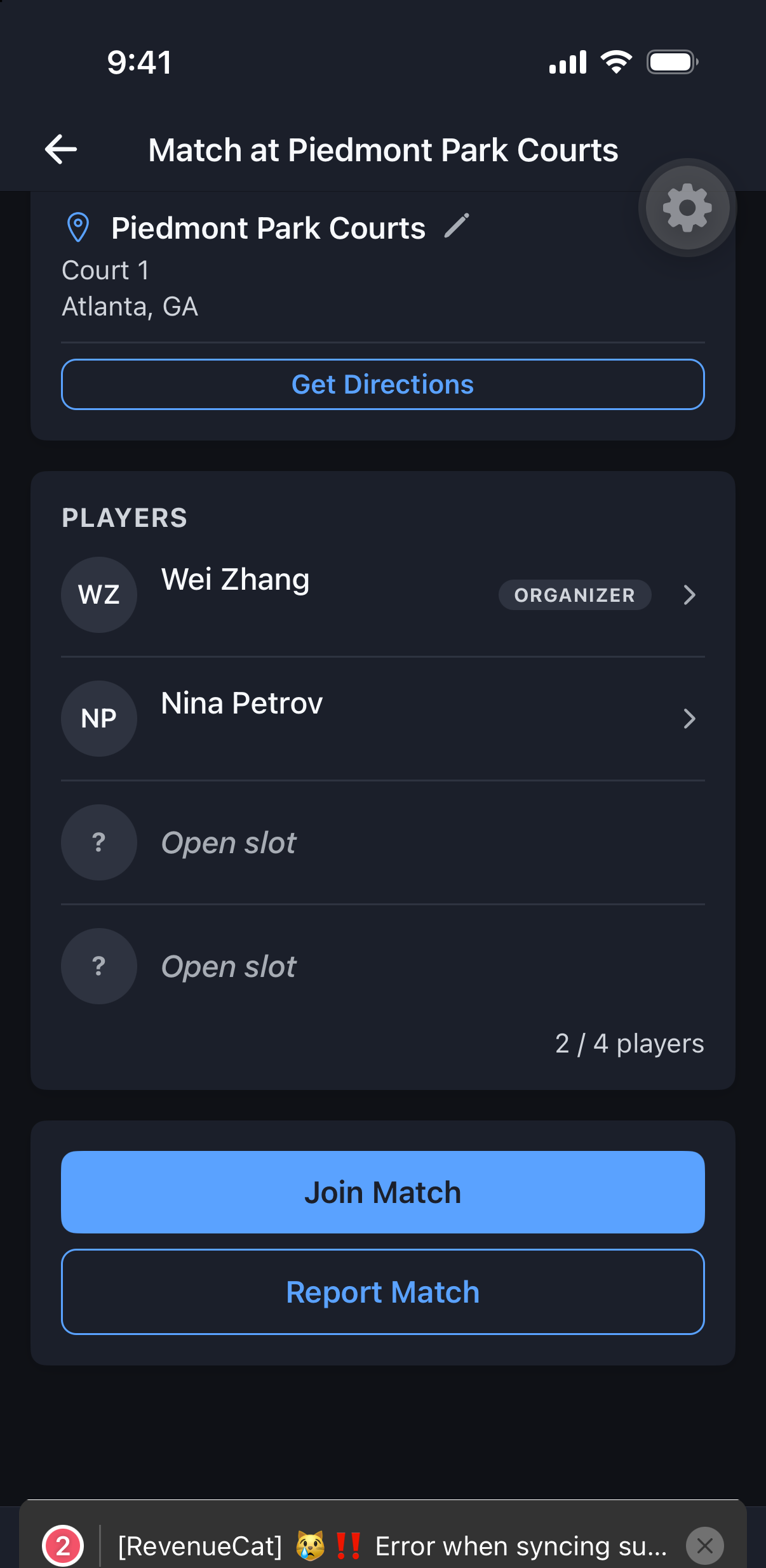
Matches
Join a Match
Three ways in — invited, open board, or approval-gated — and MatchScheduler makes clear which one you’re looking at.
Why it's useful
Not every match works the same way, and knowing which path you’re on avoids the most common confusion: why didn’t I hear back? (Declines on approval-gated matches are silent by design.)
Steps
- 1If you were invited directly, open the invite and tap Accept or Decline.
- 2If it’s an open board match with no approval required, tap Join — you’re in immediately.
- 3If it’s approval-gated, tap Request to Join; the organizer approves or declines (a decline sends no notification).
- 4If the match is full, tap Join Waitlist — you’re promoted automatically, first-in-first-out, as spots open.