← All Guides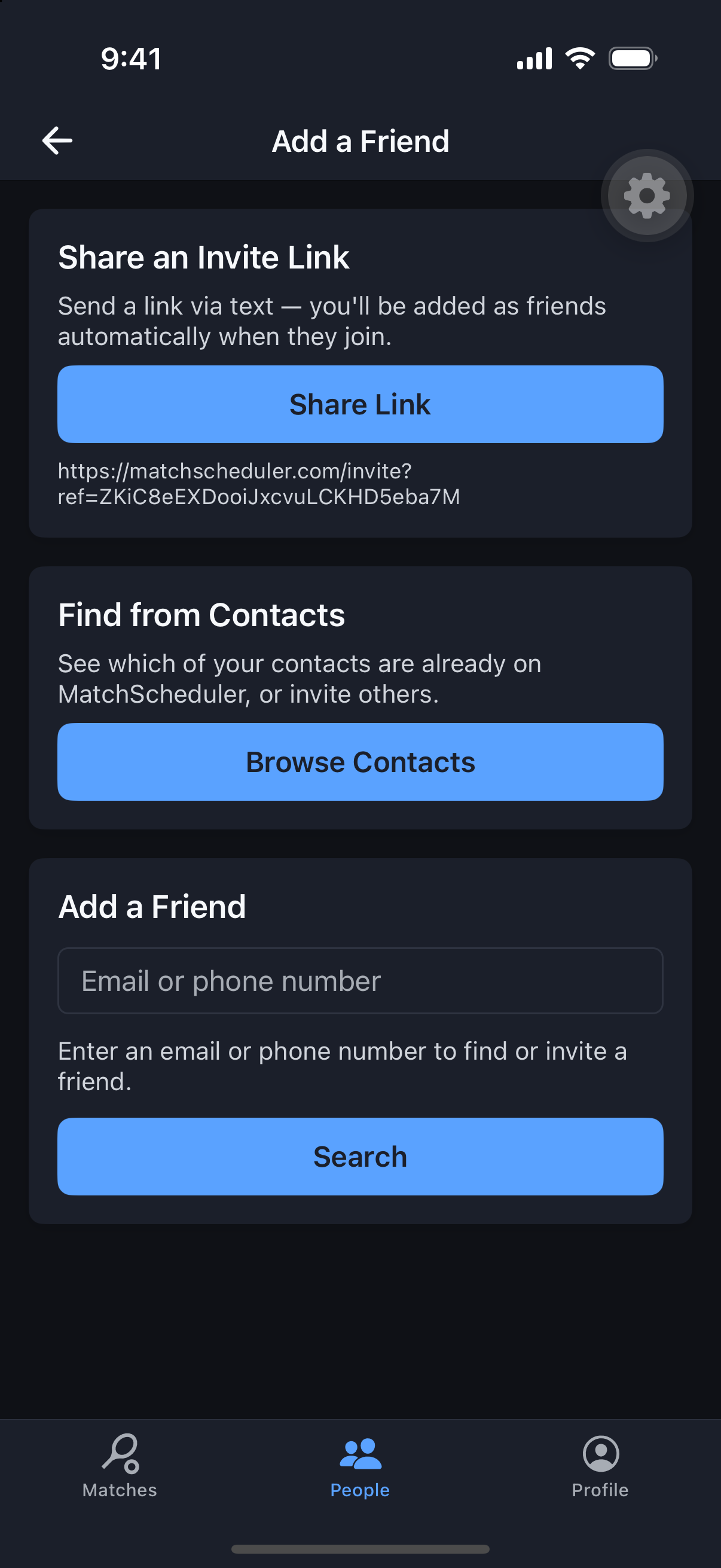
Friends & Groups
Invite Someone Who Isn’t on MatchScheduler Yet
Your favorite doubles partner doesn’t need the app yet for you to invite them.
Why it's useful
An email invite creates a pending account for them automatically; a phone invite gives you shareable text to send however you like. Either way, they finish setup only once they actually join.
Steps
- 1Open the People tab and tap Invite.
- 2Choose email or phone.
- 3For email, enter their address — MatchScheduler creates a pending stub account for them.
- 4For phone, share the generated invite text via text, chat, or however you’d normally reach them.
- 5When they follow the link, they set a password and finish their profile to activate the account.