← All Guides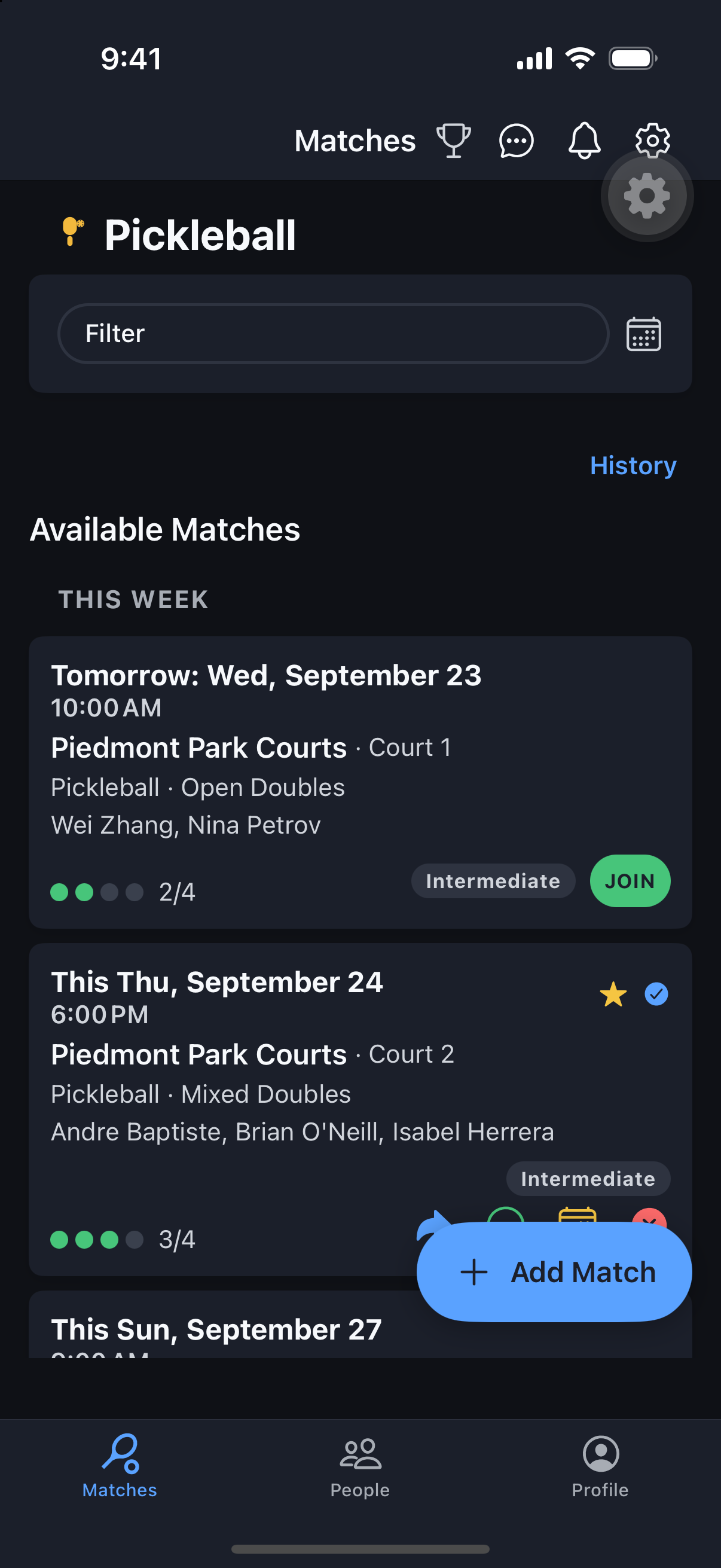
Matches
Filter Your Match List
Cut a crowded match list down to exactly the games you’d actually play.
Why it's useful
Between sport, skill, distance, and age brackets, the match list can get long fast. Filters and the calendar view get you to the right match in a couple of taps.
Steps
- 1Use the Sport dropdown above your match list to narrow to all sports, just yours, or a specific one.
- 2Open the filter panel to filter by Category, Skill Level, or Role (player/organizer).
- 3Narrow by Parks — all, 5/10/25 miles, or My Parks — and toggle Open Spots Only or Age Brackets.
- 4Switch Activity Type between Match, Event, or all.
- 5Removable chips show your active filters — tap the x to clear one.
- 6Or open the Calendar panel and tap a date to filter to that day (dots are color-coded: gold = organizer, blue = participant, green = open/public). Tap the date again to clear it.