← All Guides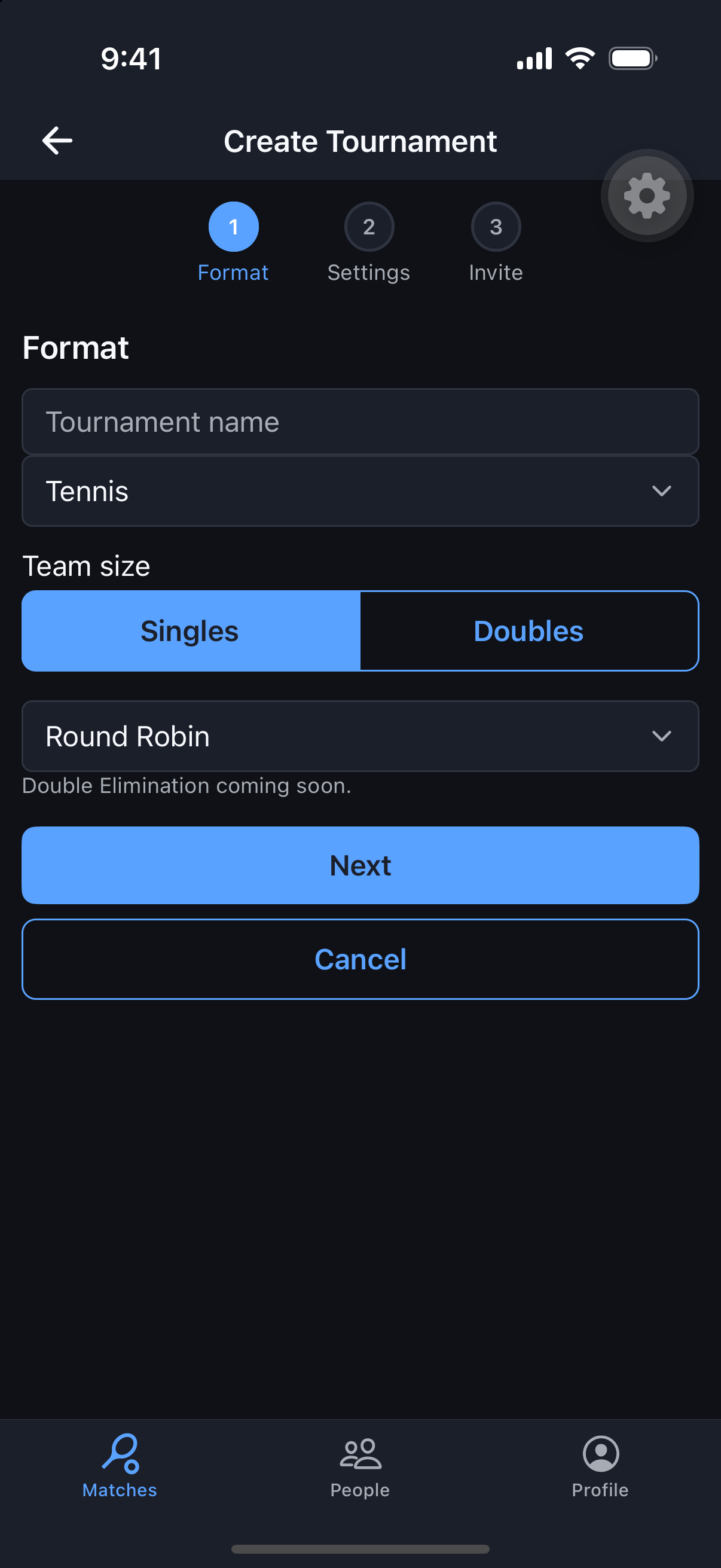
Tournaments
Create a Tournament
Round Robin or Single Elimination, set up in a short 3-step wizard.
Why it's useful
Tournaments turn a one-off match into a full bracket event — with team sizes, deadlines, and an optional entry fee all configured up front. This is a Plus feature.
Steps
- 1From the Matches tab, tap Create Tournament.
- 2Step 1 – Format: choose Round Robin or Single Elimination.
- 3Step 2 – Settings: set team size, response deadline, and an optional entry fee.
- 4Step 3 – Invite: add the players or teams you want in the bracket.
- 5Review and create — MatchScheduler builds and manages the bracket for you.